Components and tags
An object is a list of components and tags. Mix the built-in ones, or write your own as a plain object.
add([box(), pos(0, 1, 0), color("tomato"), "enemy"])pre-1.0 · MIT
threeplay is a small 3D game engine for the browser. Describe objects with components, let three.js draw them and Rapier simulate them, and ship the whole game from one script tag.
A floor, a physics character, a follow camera and input. There is no build step and no setup: this runs exactly as written, on the right.
import threeplay from "threeplay";

threeplay({ background: "#87ceeb" });

scene("game", () => {
  add([
    box(20, 1, 20),
    pos(0, -0.5, 0),
    color("#5a5"),
    area(),
    body({ isStatic: true }),
  ]);
  const player = add([
    capsule(0.4, 1.6),
    pos(0, 2, 0),
    color("#4af"),
    area(),
    character(),
  ]);
  camFollow(player);
  onUpdate(() => player.move(inputDir().multiplyScalar(5)));
  onKeyPress("space", () => player.isGrounded() && player.jump());
});

go("game");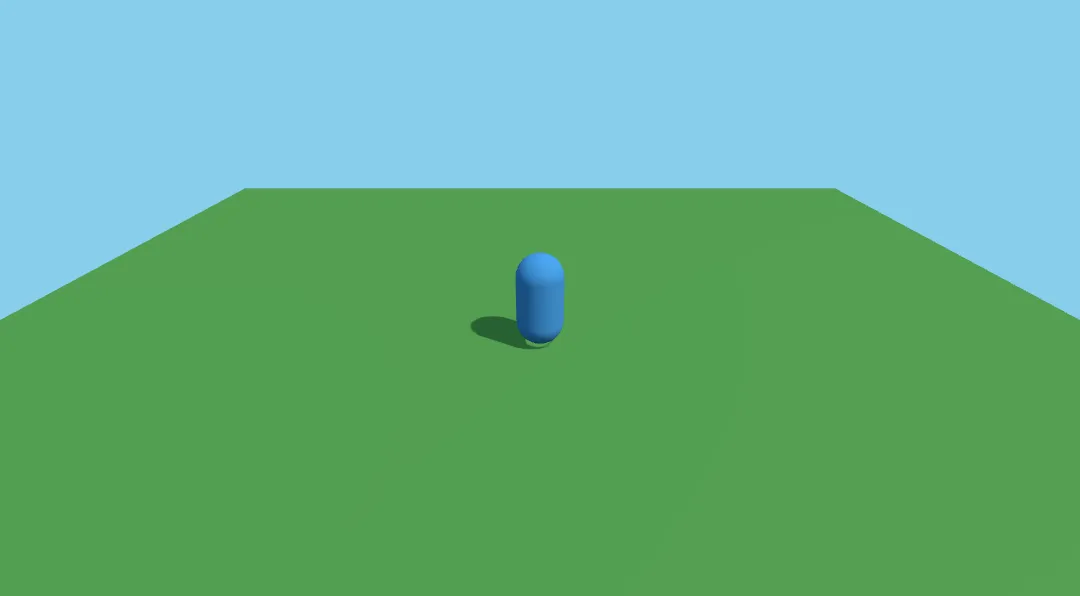
One friendly layer over three.js and Rapier. It covers the common cases, and the full power of both stays one property away.
An object is a list of components and tags. Mix the built-in ones, or write your own as a plain object.
add([box(), pos(0, 1, 0), color("tomato"), "enemy"])Colliders, rigid bodies and a kinematic character controller, with collide events and raycasts.
add([capsule(), area(), character()])Uses WebGPU when the browser has it and switches to WebGL2 on its own. Force one with an option.
threeplay({ renderer: "auto" })Follow, first person, third person and orbit cameras, plus screen shake.
thirdPerson(player, { distance: 8 })Text and UI are real DOM elements over the canvas, positioned in screen pixels.
add([text("Coins: 0"), pos(20, 16), fixed()])Draw a level with characters. Each one becomes the components you choose.
addLevel(["#####", "#@ x#"], { tiles })Load a model once, add it as a component and cross-fade between its animations.
add([model("robot")]).play("walk")The core knows nothing about rendering or physics. Built-in features are plugins, and so are yours.
definePlugin({ name: "party", install(k) {} })Every object owns a THREE.Object3D, and Rapier's world is one property away. Nothing is hidden.
obj.object3d k.renderer k.physics.worldThe standalone build bundles three.js and loads Rapier on demand. Import it and play.
<script type="module">
  import threeplay from "./threeplay.mjs"
</script>Typed APIs for every plugin, including the globals, so editors autocomplete your game.
/// <reference types="threeplay/global" />threeplay is not trying to replace the big engines. It is the shortest path from an idea to a playable 3D game in a web page.
| Feature | threeplay | three.js alone | react-three-fiber | Babylon.js | enable3d |
|---|---|---|---|---|---|
| Time to a playable scene | MinutesOne import, globals, a game loop and camera included. | HoursWrite the loop, input, camera and collisions yourself. | MediumDeclarative and neat, if you already know React. | ShortComplete engine, but a larger API to learn. | MediumHelpful wrappers, more setup than a scripting API. |
| Physics built in | YesRapier, wired to components. | NoBring your own and sync it by hand. | Add-on@react-three/rapier. | YesHavok and other plugins. | YesAmmo.js. |
| Works without a framework | YesPlain JavaScript in a script tag. | Yes | NoIt is a React renderer. | Yes | Yes |
| Download size | 250–410 KB gzipWith three.js: ~250 KB on WebGL, ~410 KB with WebGPU. Rapier (~1.6 MB) only downloads if the game uses physics. | SmallestTree-shakes down to what you use. | Smallthree.js plus React and the renderer. | LargestBatteries included, even tree-shaken. | Largethree.js plus an Ammo.js build. |
| Maturity and community | NewPre-1.0, one maintainer, a small ecosystem. | HugeThe reference for web 3D. | LargeActively maintained by the pmndrs collective. | LargeBacked by a big team and a visual editor. | QuietLast release March 2025 (0.26.1), pinned to three.js r171. |
Honest summary: pick threeplay for jams, prototypes, teaching and small games where you want to write game logic, not engine plumbing. Pick Babylon.js or plain three.js when you need a visual editor, a huge ecosystem or total control, and react-three-fiber when your app is already React. Sizes and ratings are approximate and reflect the state of each project at the time of writing.
Seven small games, each one in a single file. Play them in the page, read the source and open any of them in the playground.
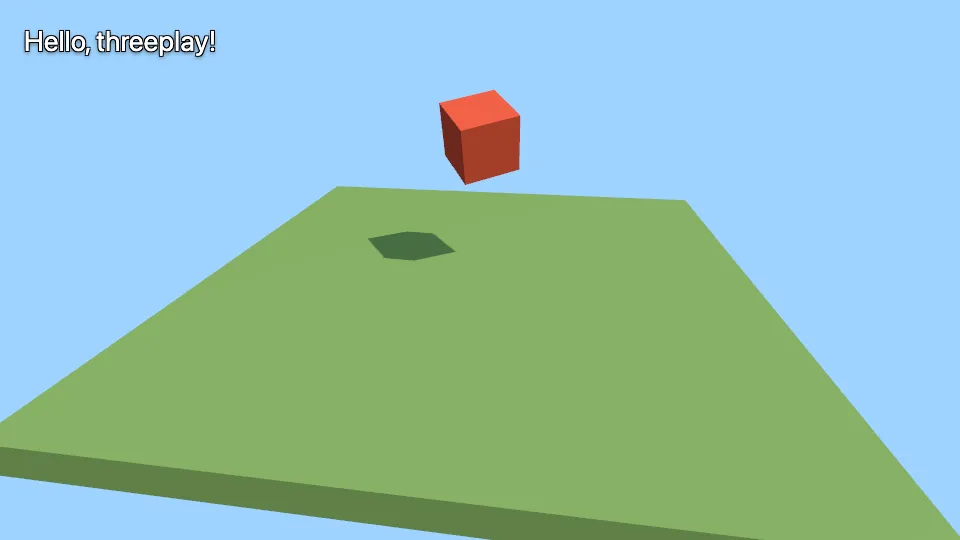 Starter
The smallest scene: a floor, a falling box and an orbiting camera.
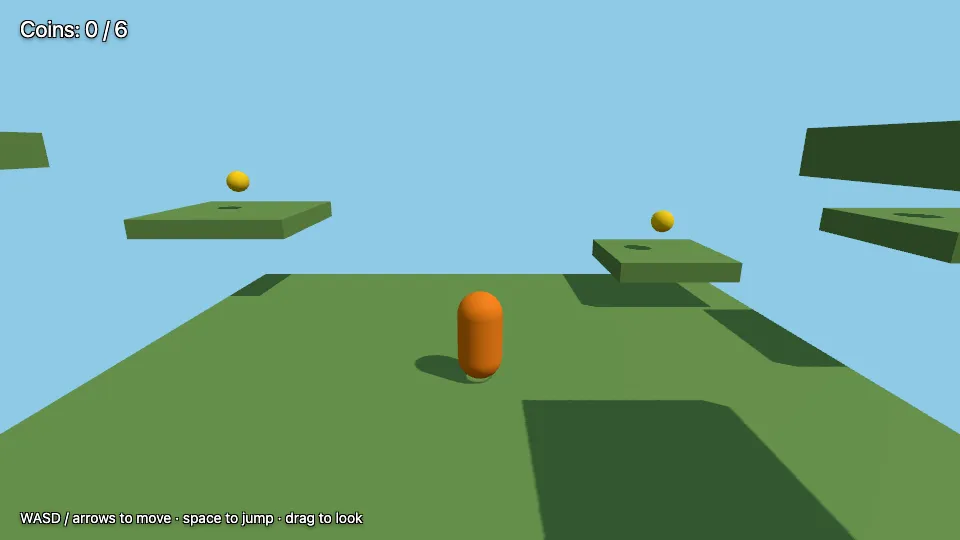
PlatformerA 3D collectathon: hop between floating platforms and grab every coin.
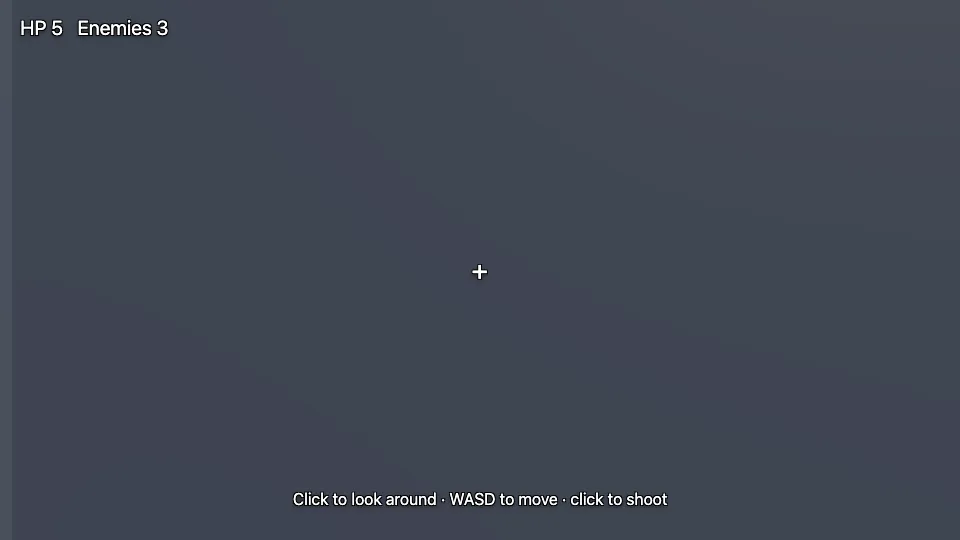 First person
A first-person maze from an ASCII map: find the exit and shoot what moves.
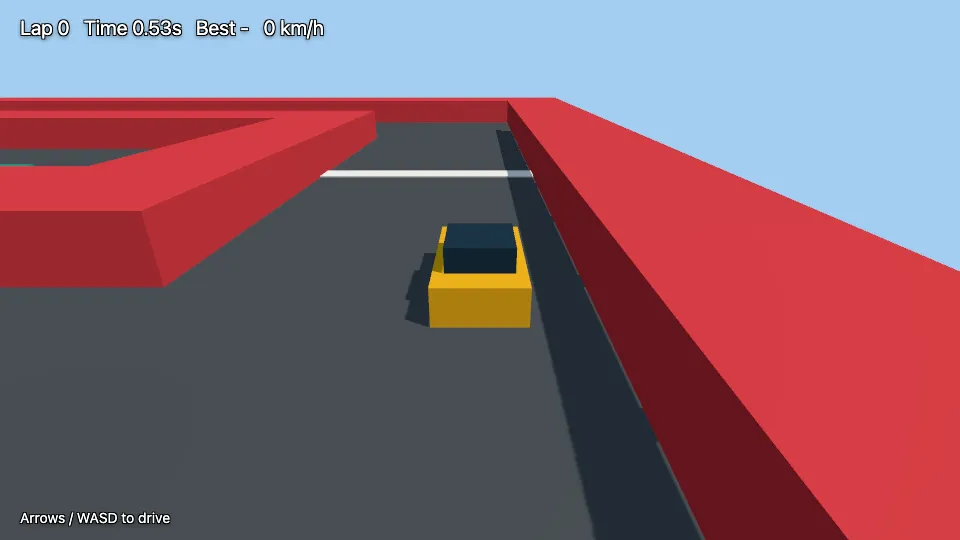 Racing
Race against the clock around a track described as text.
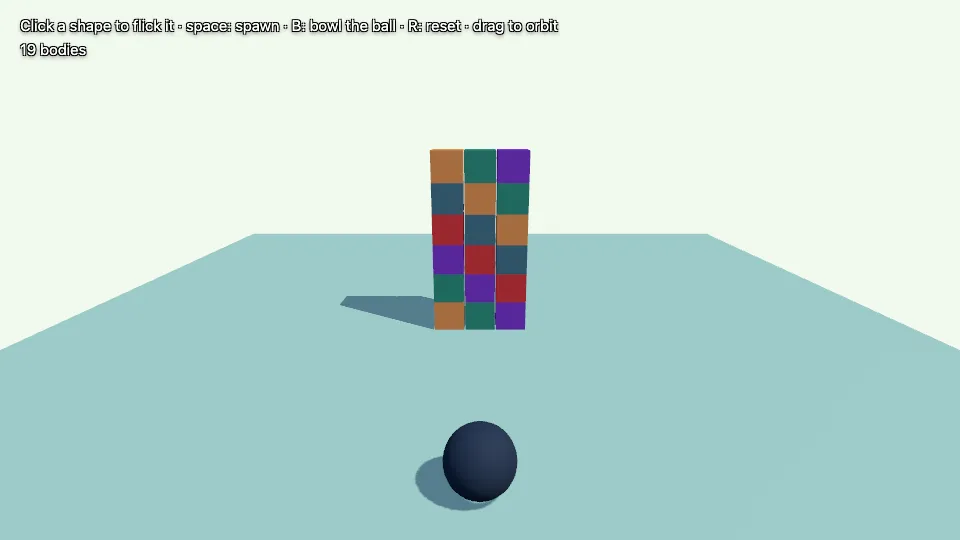 Toy
ToyKnock over a tower, spawn shapes and flick them around.
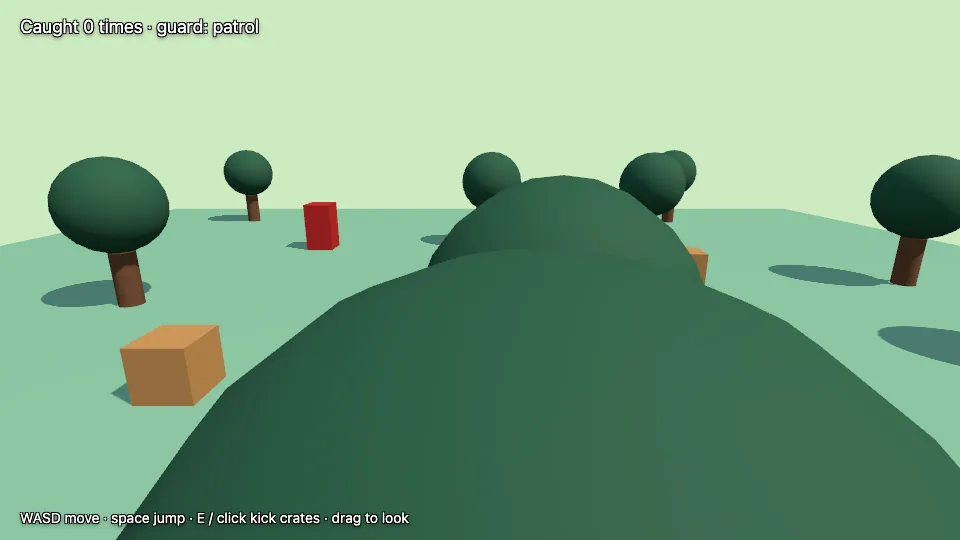 Adventure
Explore a field, kick crates and stay out of the guard's sight.
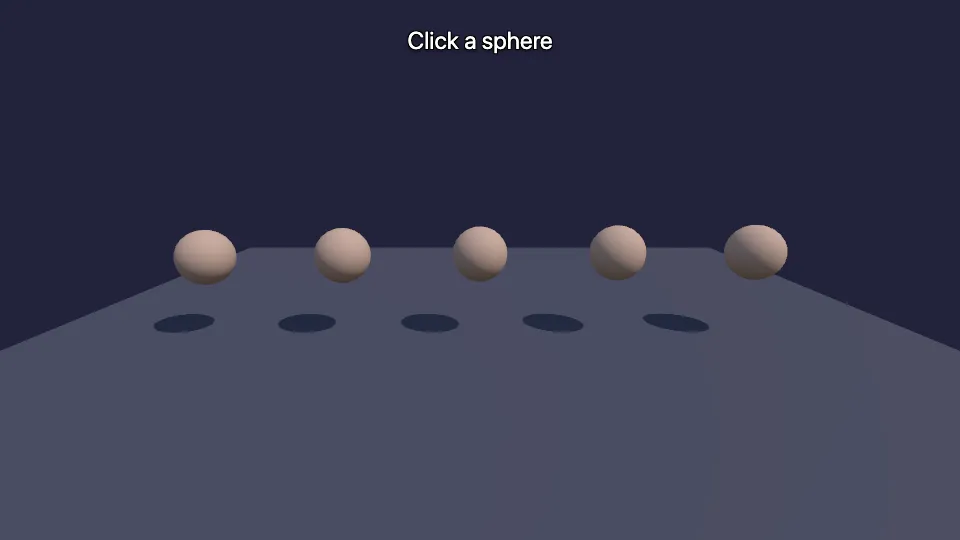 Extending
Extend the engine with your own components and functions.